Find out what items we have to lend

Design made of red, yellow, teal and dark blue blocks.

Physical Collection

A person with only arms showing is behind a stack of books.

Catalog

All cardholders may find a book, periodical, dvd or audiobook in our collection

Visit the library of things webpage.

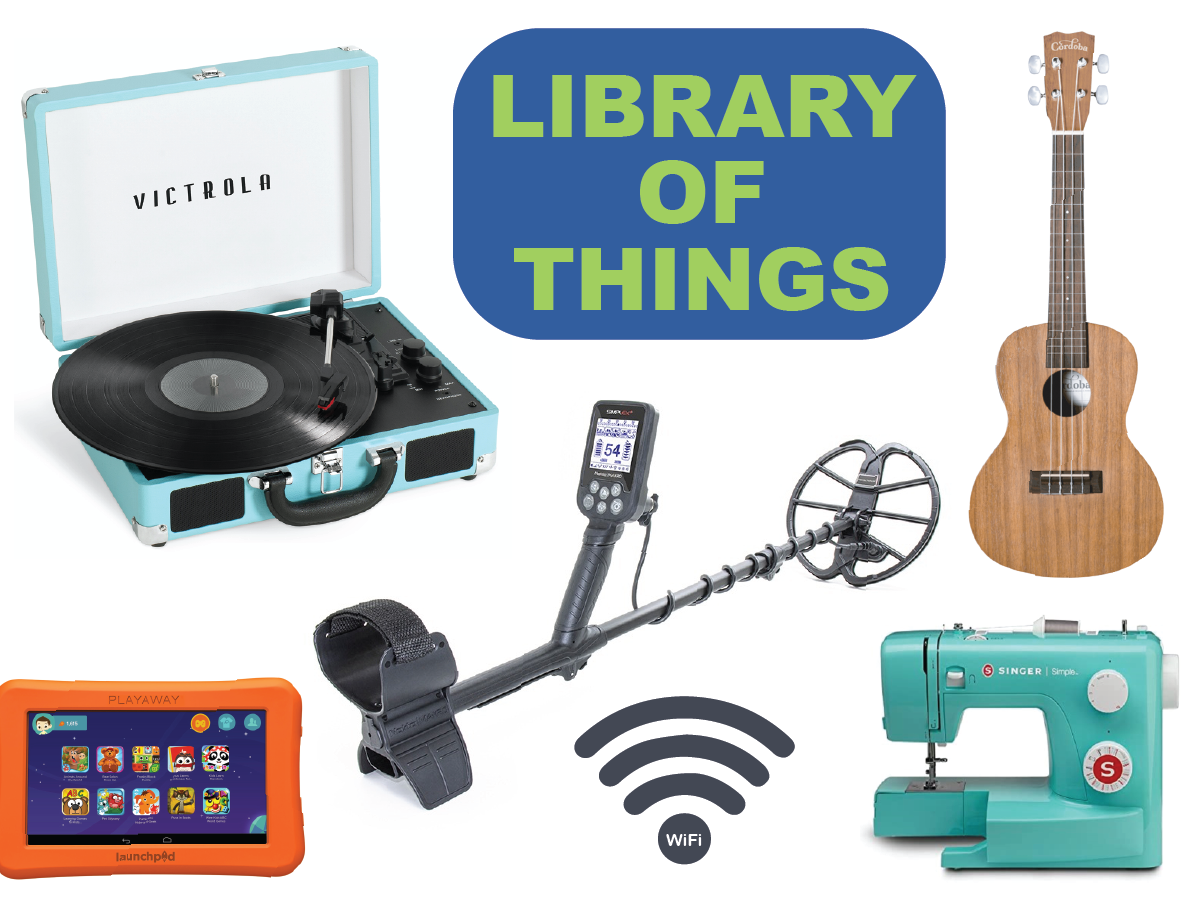
Library of Things

Paid cardholders may check out practical, hands on items

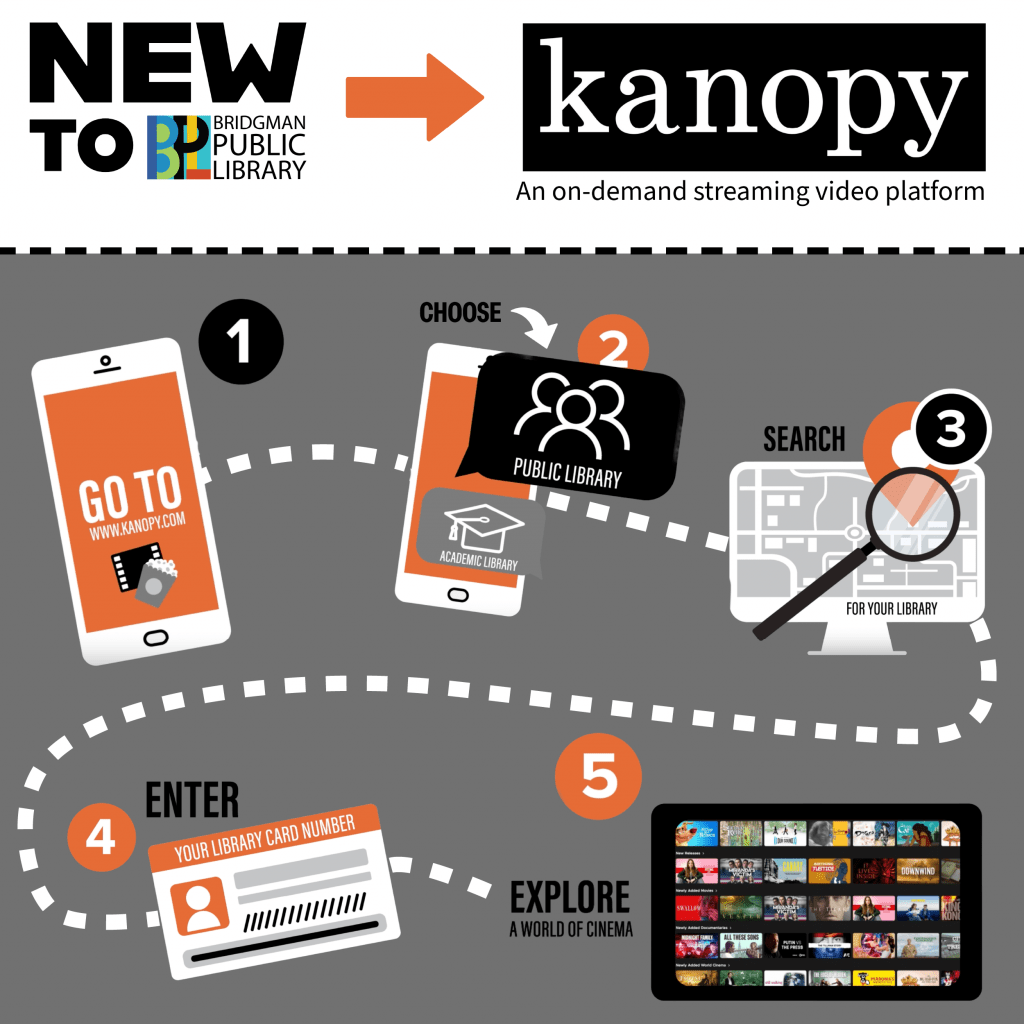
Digital Collection

For Resident and paid cardholders

You now have access to more items in Libby!

  1. Open Libby.
  2. Go to Menu > Add Library.
  3. Search partner libraries (see list below) and tap to select.
  4. Tap “sign in with your card.”
  5. Under Partner Libraries, select “Bridgman Public Library.”
  6. Type in your library card number & pin.
  7. Repeat steps 3 -6 until you have added the complete list of partner libraries.
  8. Search for an item, click on it. Tap on the box with a plus sign to choose which library to borrow from.

Choose from these libraries:

  • Download Destination
  • Genesee District Library
  • Great Lakes Digital
  • Libraries Lakeland Digital Library
  • Metro Net Library Consortium
  • Mideastern Michigan Digital Consortium
  • Midwest Collaborative for Library Services
  • St. Clair County Library System
  • Suburban Library Cooperative
  • Traverse Area District Library
  • Up North Digital Consortium
  • White Pine Library Cooperative

Hoopla Borrowing Updates

Hoopla operates on a pay-per-use model, charging our library for every individual checkout. 
Due to extremely high demand, we have had to set some limits to stay within our budget.

Daily and Monthly Limits

  • Monthly Limit: Patrons can borrow up to five items each month.
  • Daily Budget Cap: The library sets a maximum daily spending limit.
  • System Lockout: Hoopla blocks all checkouts once the daily cap is met.
  • Daily Reset: Borrowing access restarts when the cap resets the next day. 

How You Can Help

Please only check out titles you can finish within the two-week loan period. This will allow us to mitigate rising costs and continue offering Hoopla to our community while responsibly managing taxpayer dollars. 

Interlibrary Loan

Looking for something we don’t have?

Use the Search MeLCat(alog) button to find a materials from other Michigan libraries. Simply log in with your library card.

Michigan eLibrary logo | Search MeLCat

For Resident & Paid Cardholders

Michigan’s eLibrary has books, dvds and cds you can borrow! Make your request, it will come to us and we will call you when it’s available.

Need a Library Card?

The Bridgman Public Library offers cards to both residents and non-residents. Please bring a valid driver’s license and proof of residency when applying.

 

Recommend a Title